Automatic Cost Estimate for Electrical Installation

Generate an automatic electrical installation cost estimate from the project BOM. Use reference prices, custom items, VAT totals, PDF and CSV export.

From floor plan to distribution board

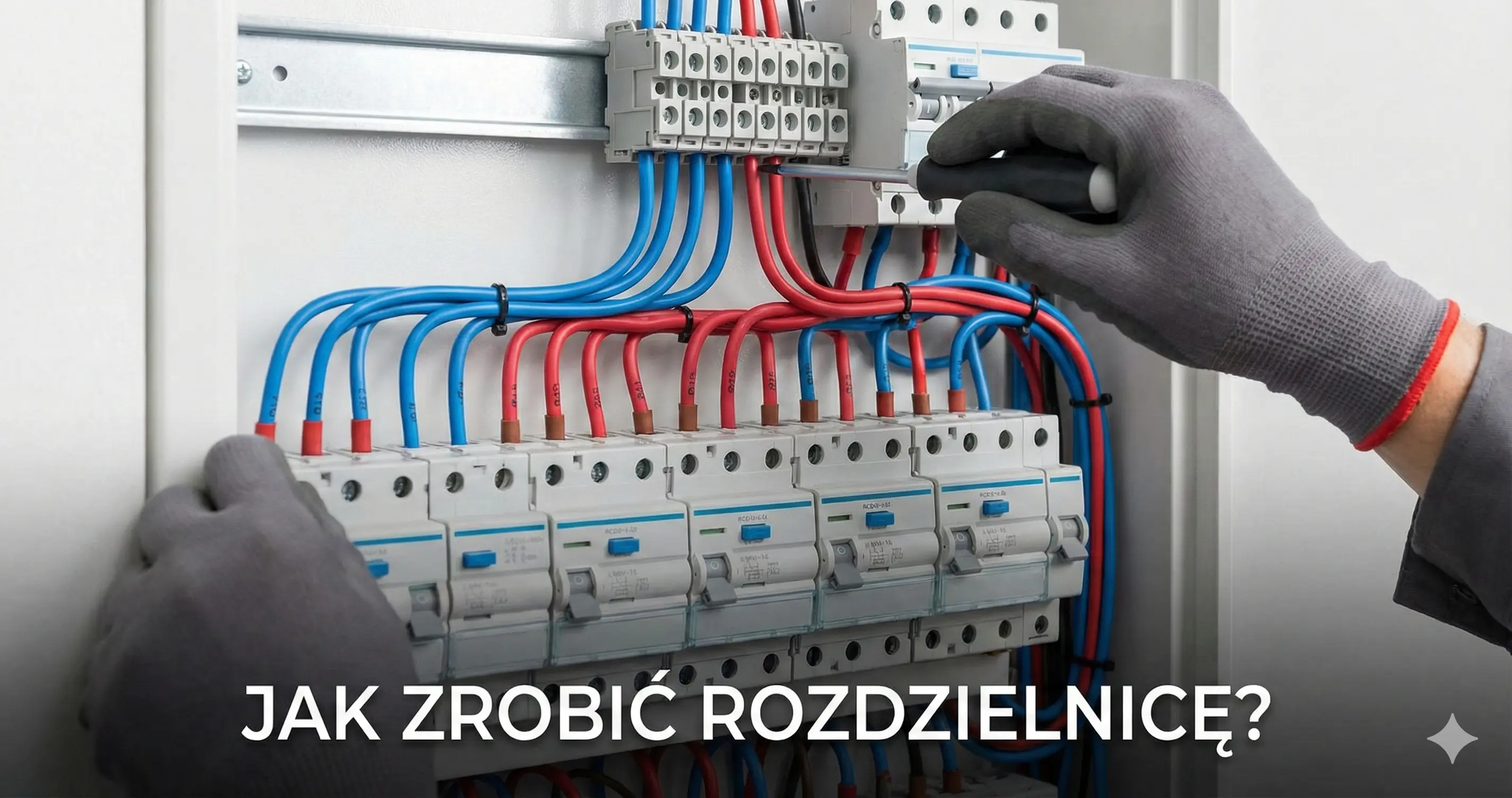
Electro Planner combines free online electrical installation design with professional distribution board visualization and electrical planning on building floor plans.

Visualize the distribution board on DIN rails with circuit labels and protection hierarchy.

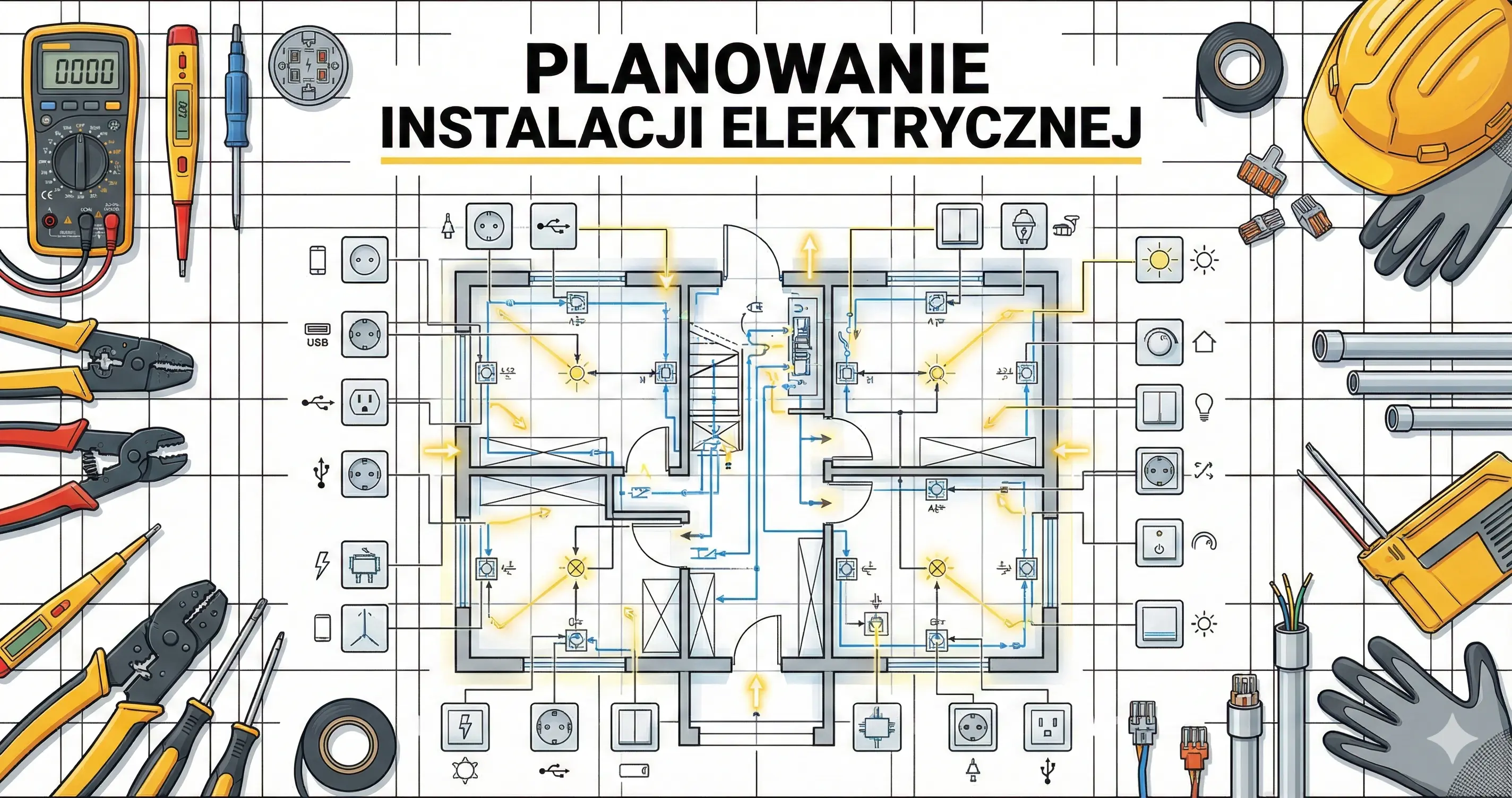
Plan sockets, lighting, switches, and electrical points directly on a house or apartment floor plan.

Export PDF documentation with circuit lists, board schematic, and bill of materials.

BOM-based estimate

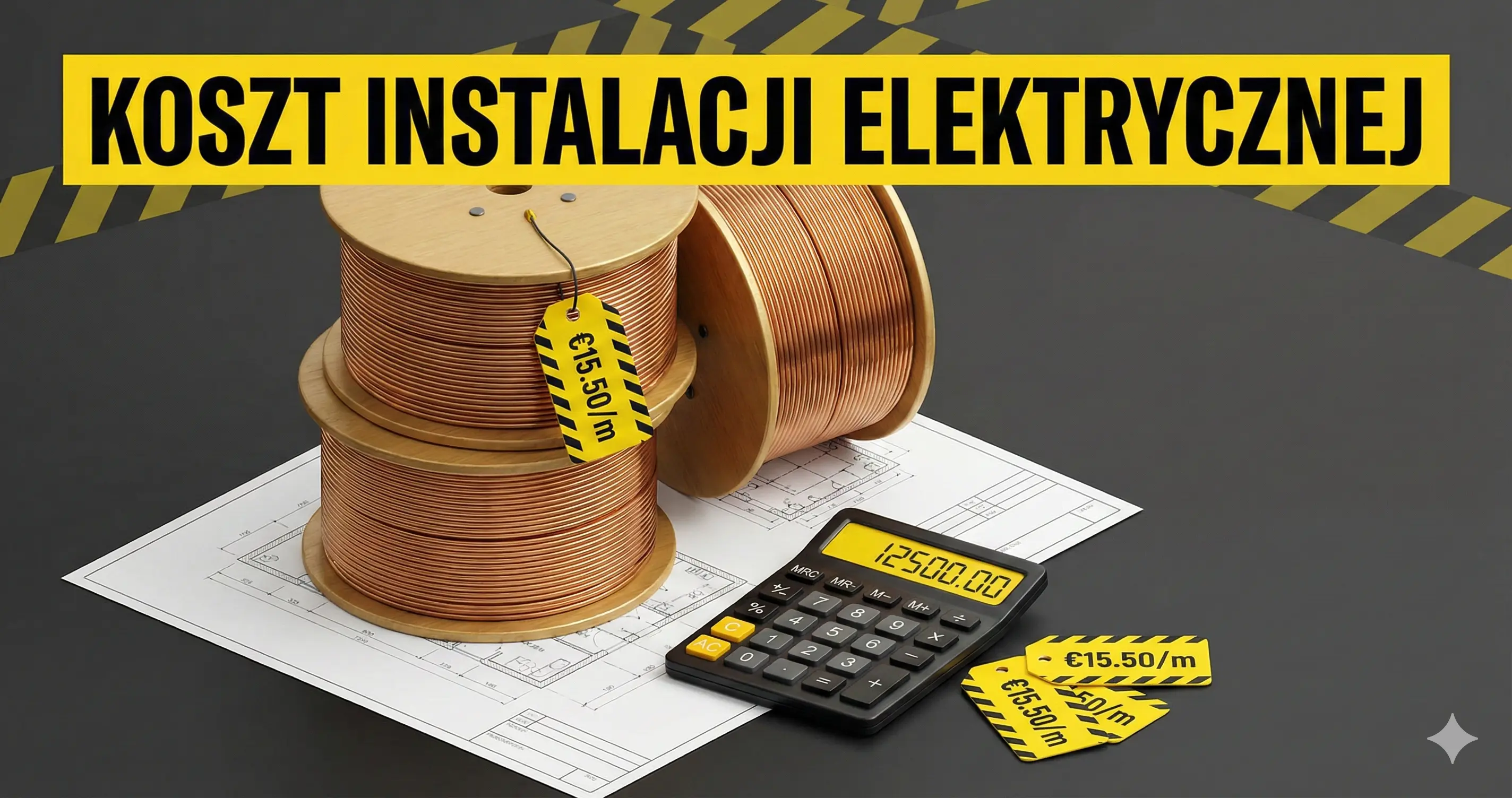
The estimate is generated from the bill of materials built from the distribution board and floor plan. It can use catalog or TIM reference prices when available, and you can adjust offer prices, quantities, VAT, and custom items.

Reference and offer prices

Reference prices appear only when catalog or TIM data is available, and each row can be adjusted with your own offer or customer price.

VAT and custom rows

Add custom rows for labor, transport or extra materials, then review net, VAT and gross totals before sharing the estimate.

PDF and CSV export

Yes. Project documentation can be exported as PDF, while the cost estimate can be exported to PDF or CSV with selectable columns.

Automatic cost estimate from the electrical project BOM

Electro Planner connects electrical design with budgeting. After you plan circuits, the distribution board and floor-plan elements, the application can create a structured bill of materials and turn it into an editable cost estimate.

This is useful before requesting supplier prices or contractor quotes. Instead of preparing a spreadsheet from scratch, you start with quantities already coming from the project. For broader budget context, compare the estimate with the electrical installation cost guide.

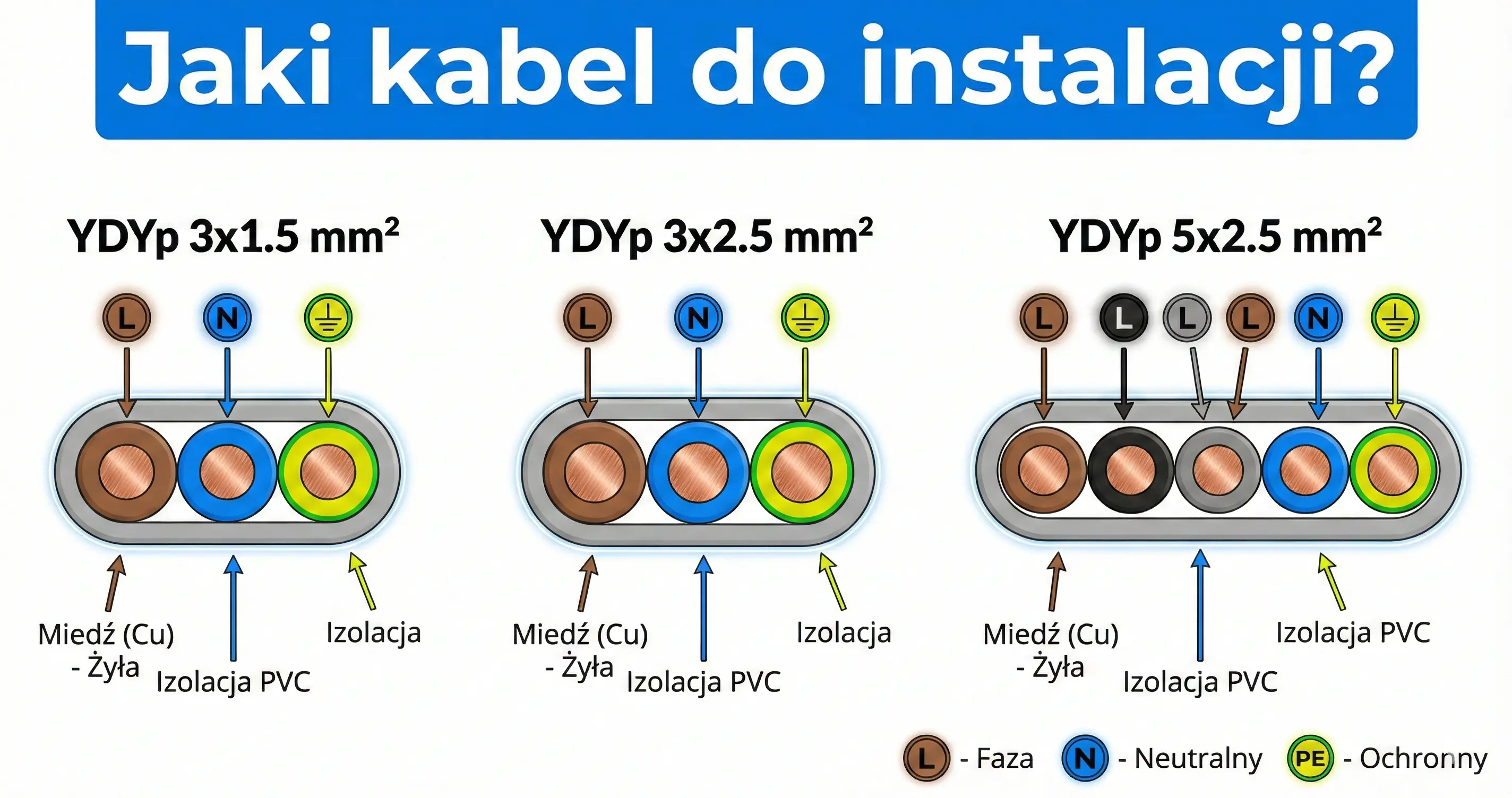
The estimate can include modular apparatus, accessories, cabling, enclosure items and custom rows. Reference prices from catalog or TIM data are used only when available, and every price should be verified before purchase or a final quote.

From BOM to estimate

Generate the estimate from the current BOM, review grouped rows, edit offer prices or quantities, set VAT, exclude items when needed and export PDF or CSV. The result is a practical budget view, not a substitute for a formal contractor quote.

What to verify before using the numbers

Supplier availability, discounts, delivery, labor, local taxes and final technical decisions can change the real cost. Treat Electro Planner as a planning and documentation tool and confirm final values with a qualified professional or supplier.

Related workflow

Continue with electrical installation software, electrical installation cost guide, electrical planning guide, and distribution board design guide.
How does the automatic cost estimate work?

The estimate is generated from the bill of materials built from the distribution board and floor plan. It can use catalog or TIM reference prices when available, and you can adjust offer prices, quantities, VAT, and custom items.

5 min

1

Build the project BOM

You can plan rooms, electrical points, circuits, a distribution board, phase distribution, PDF documentation, BOM, and an automatic cost estimate in one online workflow.

2

Generate the estimate

The estimate is generated from the bill of materials built from the distribution board and floor plan. It can use catalog or TIM reference prices when available, and you can adjust offer prices, quantities, VAT, and custom items.

3

Adjust and export

Yes. Project documentation can be exported as PDF, while the cost estimate can be exported to PDF or CSV with selectable columns.

FAQ

How does the automatic cost estimate work?+

The estimate is generated from the bill of materials built from the distribution board and floor plan. It can use catalog or TIM reference prices when available, and you can adjust offer prices, quantities, VAT, and custom items.

Can I export the documentation and estimate?+

Yes. Project documentation can be exported as PDF, while the cost estimate can be exported to PDF or CSV with selectable columns.

Who is Electro Planner for?+

It is designed for electricians, installers, designers, and property owners who need a fast way to prepare a clear installation plan, material list, and budget estimate.

Does Electro Planner replace a qualified electrician or designer?+

No. Electro Planner supports planning, documentation, and estimating. Final design decisions, local code compliance, measurements, and acceptance should be verified by a qualified professional.

Related Guides

Ready to get started?

Join thousands of users who already use Electro Planner. Start designing for free - no registration, no installation.

Start free project