Why use distribution board design software?
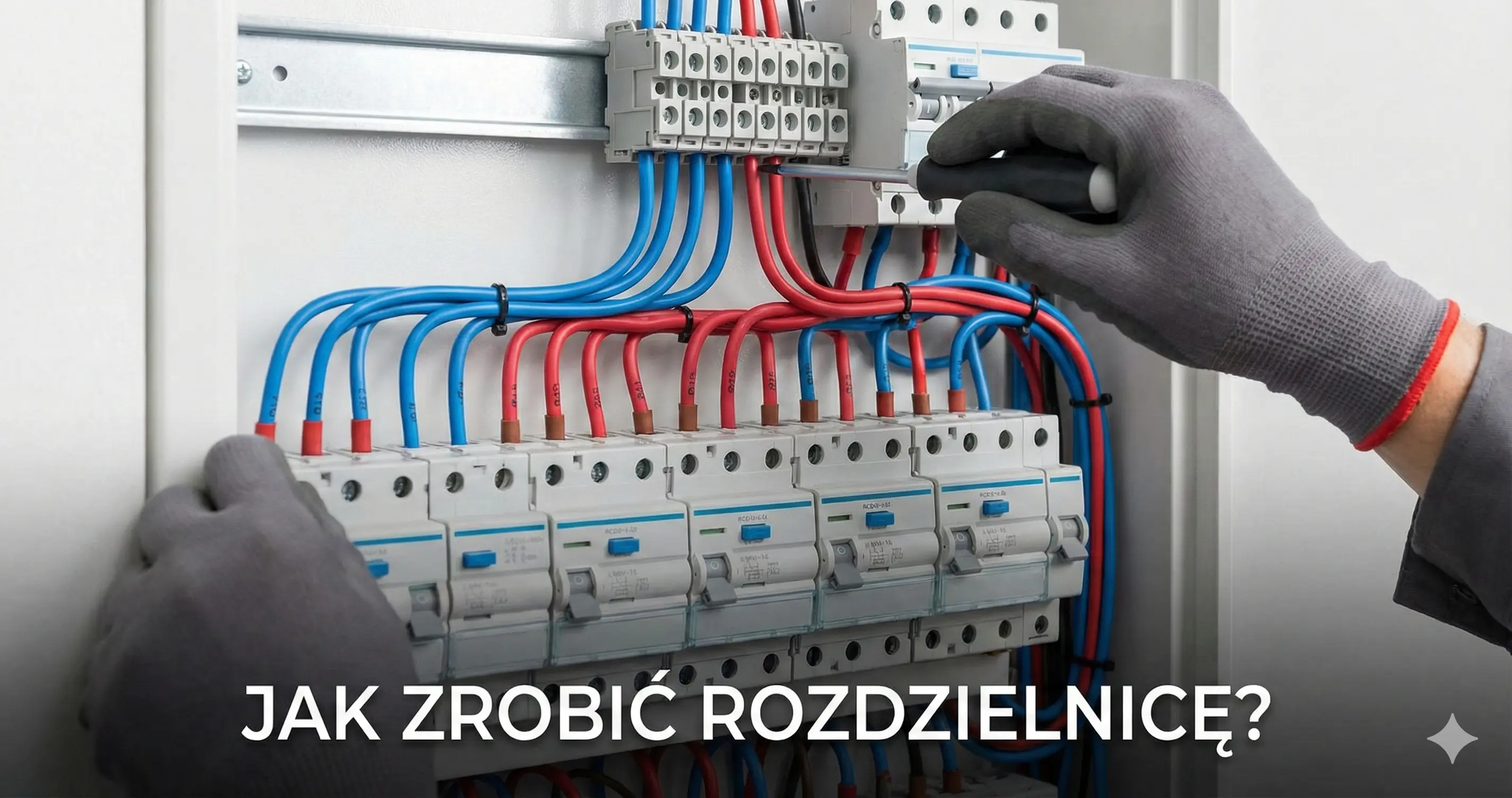
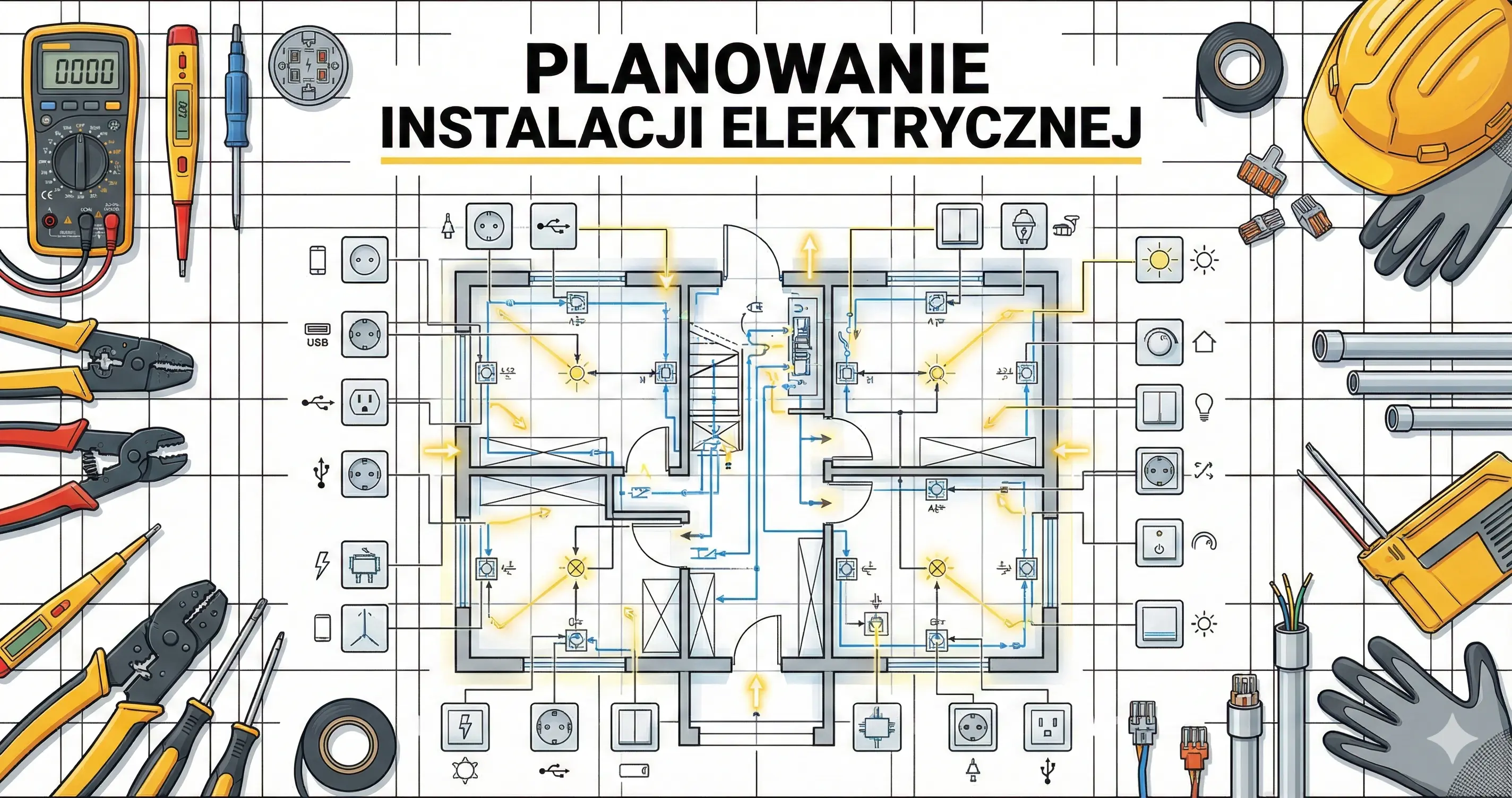
Designing and visualizing an electrical distribution board is a critical step in every installation project. Traditional methods — sketching on paper or using general-purpose CAD software — are time-consuming and error-prone. Electro Planner is a specialized distribution board configurator that automates the hardest tasks: device selection, module placement, circuit labeling, and documentation generation.
Problems with traditional design
- Manual device selection — requires knowledge of multiple manufacturer catalogs and standards
- Counting DIN modules — easy to miscalculate rail occupancy and enclosure size
- No validation — CAD drawings don't verify device selection correctness
- Bill of materials — manually counting items from the schematic
How Electro Planner solves these problems
The distribution board configurator in Electro Planner combines a circuit database with a visual editor and device catalog. Simply define your electrical circuits — the system handles the rest:
- Automatic MCB/RCD/RCBO selection based on circuit power and purpose
- Module placement on DIN rails maintaining proper hierarchy
- Connection generation (nets) between main switch, RCDs, and MCBs
- Validation of completeness and correctness
Configurator features
Visual DIN rail editor
Interactive Konva-based canvas with a precise 18mm grid (standard DIN module pitch). Drag and drop modules — the system automatically snaps them to the grid and checks rail occupancy.
Supported module types:
- MCB (miniature circuit breakers) — B6 to C63, 1P/2P/3P
- RCD (residual current devices) — 30mA / 300mA, type A/AC
- RCBO (residual current breakers with overcurrent protection) — compact 2-in-1 modules
- SPD (surge protection devices) — type 1+2 and type 2
- Main switch — isolator switch as the power entry point
Automatic board generation
The auto-generation feature creates a complete distribution board layout from your circuit list:
- Groups circuits under RCDs according to their purpose
- Selects devices from your preferred manufacturer's catalog
- Places modules across the optimal number of DIN rails
- Creates electrical connections (nets) between modules
Manufacturer preference
Choose your preferred manufacturer and the system selects modules from their catalog. Supported manufacturers include Hager, Legrand, Schneider Electric, and ABB. Module footprints (width in DIN units) are generated dynamically from the catalog — not hardcoded.
Bill of Materials (BOM)
After designing your distribution board, generate a bill of materials containing:
- Module name and symbol
- Technical parameters (rated current, characteristic, residual current)
- Quantity
- Manufacturer and series
Export the BOM to PDF or CSV — ready to order from your electrical supplier.
Labels and markings
The system automatically generates circuit labels (F1, F2...) and functional descriptions (e.g., "Kitchen sockets", "Living room lighting"). Labels are displayed on the schematic and exported to PDF.
Who is the configurator for?
Electricians and installers
Quickly generate project documentation for your clients. Instead of drawing schematics by hand — define circuits and download a ready PDF with BOM.
Electrical installation designers
A professional tool for creating distribution board schematics with standards validation and automatic device selection. Ideal as a complement to CAD software.
Homeowners and property owners
Planning a build or renovation? Create a preliminary distribution board design and share it with your electrician — they'll know exactly what you need.
Electrical engineering students
Learn distribution board design in practice. The software visualizes the protection hierarchy and shows how circuits connect to protective devices.
Comparison with other software
| Feature | Electro Planner | ProfiCAD | AutoCAD Electrical |
|---|---|---|---|
| Price | Free | Paid | Paid (expensive) |
| Installation | Browser | Windows | Windows |
| Auto device selection | Yes | No | No |
| Manufacturer catalog | Yes | Symbol library | Symbol library |
| BOM generation | Automatic | Manual | Manual |
| DIN rail editor | Dedicated | General CAD | General CAD |
| Standards validation | Yes | No | Partial |
Start designing your distribution board for free
Try the distribution board configurator without registration. Define your circuits, auto-generate the board, and download the PDF schematic — all for free, in your browser.
Related Guides
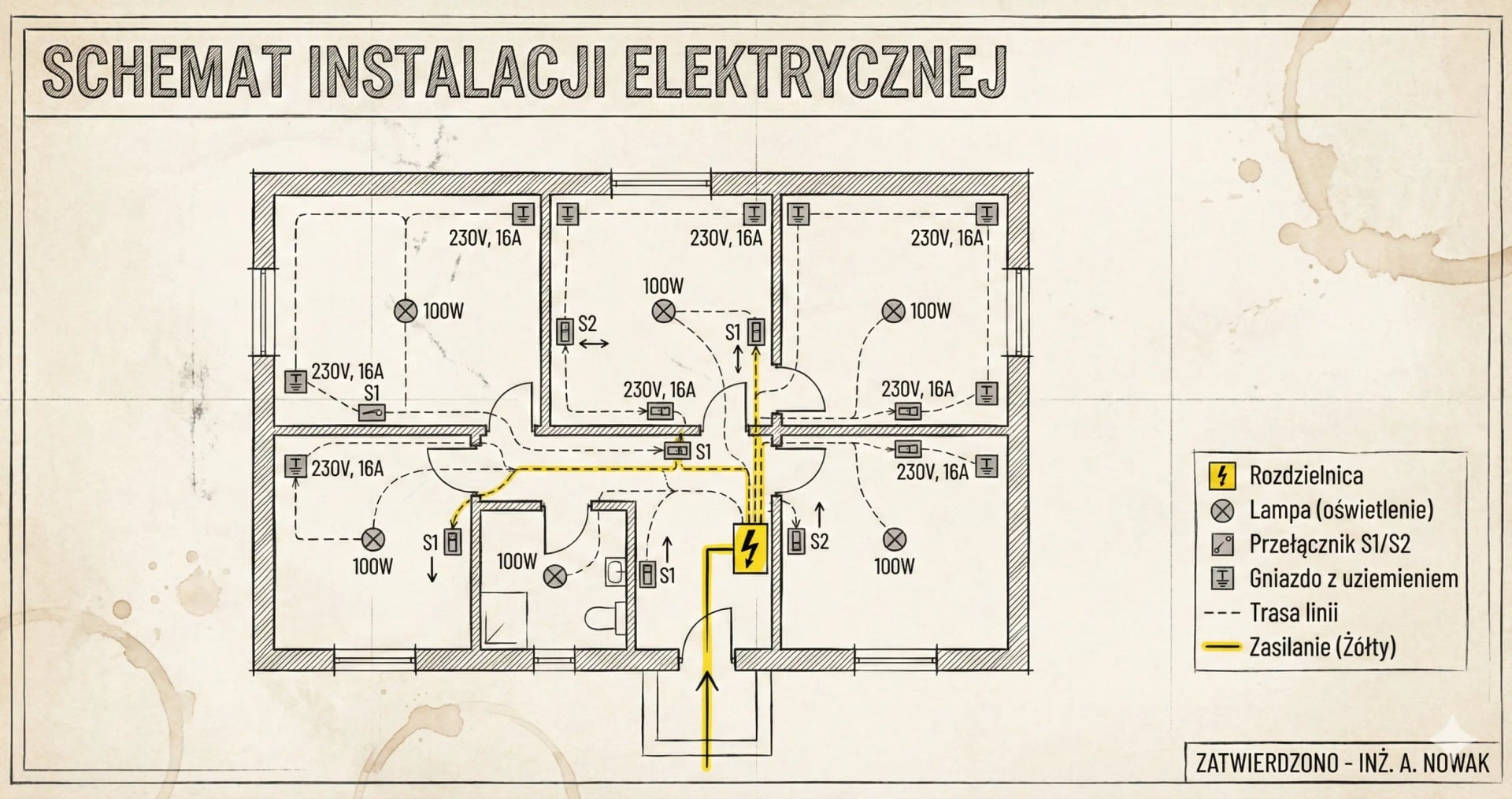
Also see: How to Design a Distribution Board? Complete Guide for Home Installations, Electrical Installation Diagram and B10 vs B16 Circuit Breaker? Simple Rule: 1.5mm²→B10, 2.5mm²→B16.