Electrical Design Guide

Plan electrical installation on a building floor plan, select protections, visualize the distribution board, and export PDF-ready documentation.

From floor plan to distribution board

Electro Planner combines free online electrical installation design with professional distribution board visualization and electrical planning on building floor plans.

Visualize the distribution board on DIN rails with circuit labels and protection hierarchy.

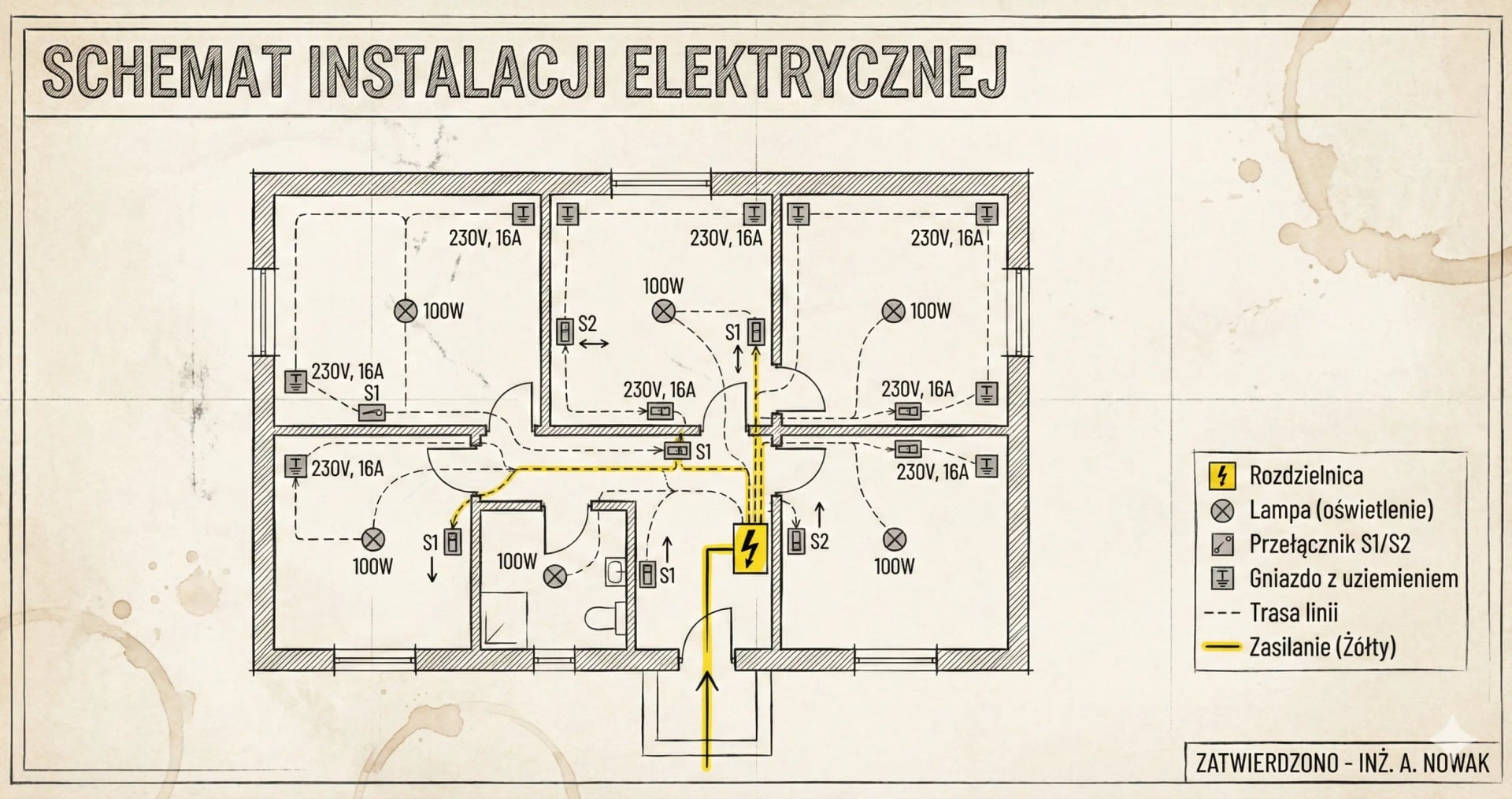
Plan sockets, lighting, switches, and electrical points directly on a house or apartment floor plan.

Export PDF documentation with circuit lists, board schematic, and bill of materials.

Floor Plan Electrical Planning

Place rooms, sockets, lighting points, switches, and circuits on a house or apartment floor plan, then connect that layout with breaker selection and project documentation.

Visual Distribution Board Editor

Design distribution board layout on an interactive editor. Arrange modules on DIN rails and generate single-line diagrams.

3-Phase Distribution

Algorithm automatically distributes load across three phases (L1, L2, L3), ensuring symmetry and avoiding uneven loading.

PDF Documentation Export

With one click, download complete project: circuit list, distribution board diagram, power balance, material list.

What electrical design means in practice

Electrical design is the process of planning electrical installation in a building. It includes determining the number of circuits, selecting protections (circuit breakers), placing sockets and switches on a building floor plan, and designing the distribution board. Proper design helps avoid overload problems and ensures safe operation.

If you already know your workflow and only need the tool, go to the electrical installation software page. If you are comparing software options, use the best electrical installation software comparison.

Why design electrical before construction?

  • Avoid wall chasing after finishing - all points will be in the right places
  • Save on materials - precise list of cables and protections
  • Ensure safety - properly selected protections prevent fires
  • Electrician gets a ready project - faster and cheaper execution

What a good electrical design workflow should cover

A solid design workflow should answer five questions before installation starts:

  1. Which rooms and appliances need dedicated circuits?
  2. Which breaker and cable sizes match the expected loads?
  3. How should the distribution board be structured?
  4. Where do 3-phase loads need balancing?
  5. What documentation should be handed to the electrician?

Electro Planner turns those decisions into one working project instead of leaving them scattered across notes and sketches.

How to design electrical step by step?

1. Determine rooms and their functions

Start with a list of rooms or a building floor plan: kitchen, living room, bedrooms, bathroom, garage. Each room has different electrical requirements - kitchen needs more circuits than bedroom.

2. Add electrical circuits

For each room, add circuits: general sockets (B16), lighting (B10), and dedicated circuits for appliances - induction hob, oven, dishwasher, washing machine need separate circuits.

3. Check automatic selection

System automatically selects: circuit breakers (B10, B16, C16), cable sizes (1.5mm², 2.5mm², 4mm²), RCDs, and phase assignment for 3-phase installations. Use the circuit breaker selection guide and cable selection guide when you want to review the logic in more detail.

4. Download PDF documentation

Generate a complete project ready for the electrician. Report contains everything: circuit list, distribution board diagram, power balance, and material shopping list.

Electrical design is more than a diagram

A lot of projects stop at a schematic, but the real value of electrical design is decision-making before work starts on site. It is where you decide spare capacity, dedicated appliance circuits, board size, surge protection, and future upgrades such as EV charging or a heat pump installation.

Common questions about electrical design

Find answers to the most important questions in the FAQ section. Learn how many circuits you need in the kitchen, when to choose B10 vs B16 breaker, and whether you need 3-phase installation.

Start electrical design

Create a professional electrical installation project in minutes. Free online software - no installation, no registration.
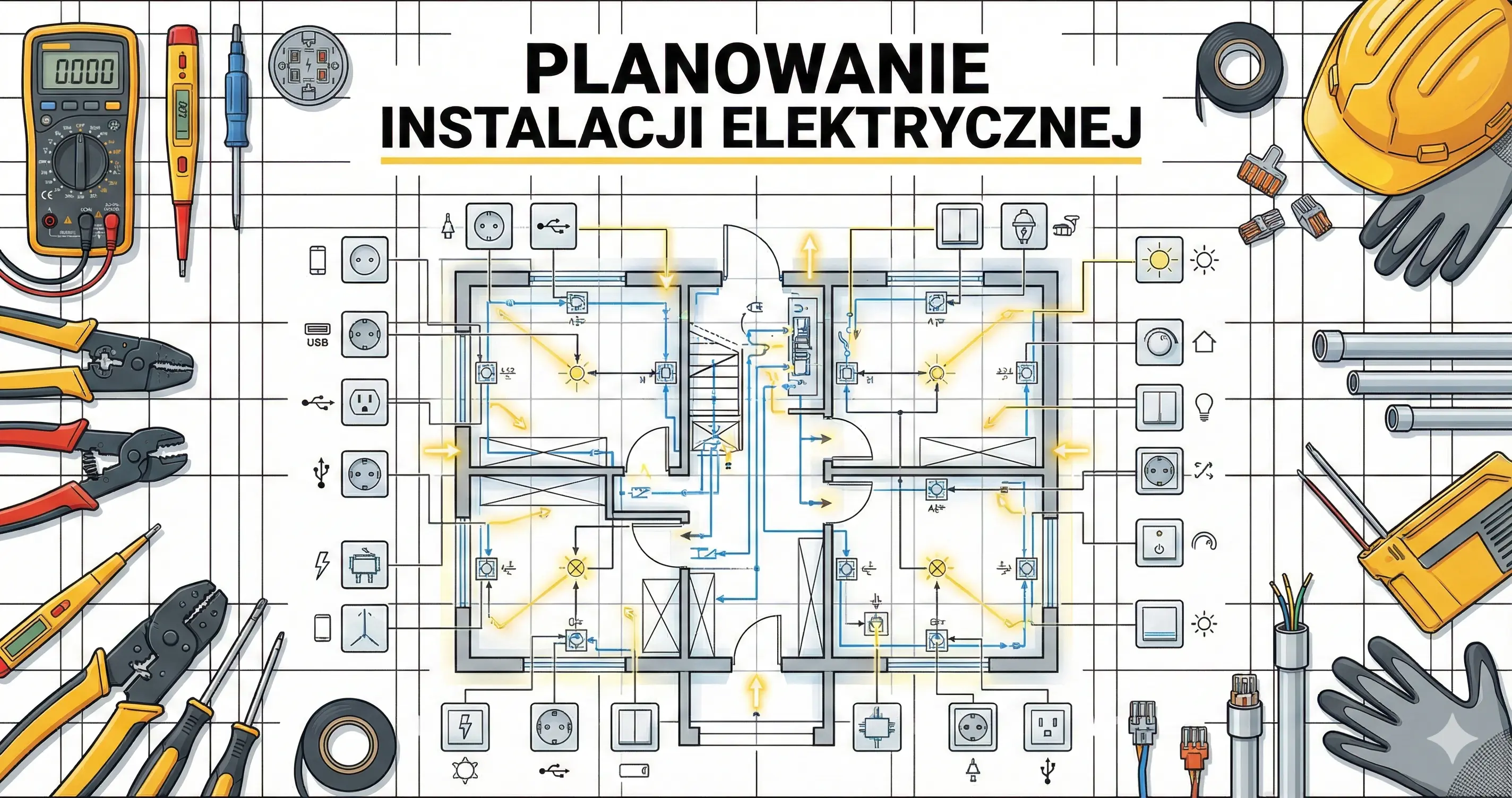

How to design electrical installations online in 4 steps

1

Determine number of rooms

Start by adding rooms or working from a building floor plan: kitchen, living room, bedrooms, bathroom. Each room will have dedicated circuits.

2

Add electrical circuits

Assign circuits to rooms: sockets (B16, 2.5mm²), lighting (B10, 1.5mm²), appliances. The program automatically selects protections.

3

Design the distribution board

Use the visual distribution board editor. Arrange circuit breakers on DIN rails and check the single-line diagram.

4

Export project to PDF

Generate complete documentation: circuit list, distribution board diagram, power balance, material list.

FAQ

How do you start electrical design for a house?+

Start with rooms and appliance loads, then define sockets, lighting, and dedicated circuits. After that, verify protections, cable sizes, and distribution board structure before work starts on site.

What should electrical design include?+

A practical electrical design should include circuit layout, breaker selection, cable sizing, residual current protection, phase balancing for 3-phase systems, and a distribution board plan.

When do you need dedicated circuits?+

Dedicated circuits are typically needed for higher-load appliances such as an induction hob, oven, dishwasher, washing machine, heat pump, EV charger, and other equipment with continuous or peak demand.

Does electrical design need a distribution board plan?+

Yes. A circuit list without a board structure leaves too many decisions for installation day. The board plan defines protective devices, grouping, spare capacity, and the final arrangement of modules.

Do you need 3-phase planning in electrical design?+

If the building has 3-phase supply or appliances that benefit from phase balancing, the design should include load distribution across phases to avoid asymmetry and improve capacity planning.

What documentation should come out of electrical design?+

The output should include a circuit list, protection decisions, distribution board layout, and a documentation package that can be reviewed by the electrician and used for material estimation.

Related Guides

Ready to get started?

Join thousands of users who already use Electro Planner. Start designing for free - no registration, no installation.

Start free project