How to Design a Distribution Board? Complete Guide for Home Installations
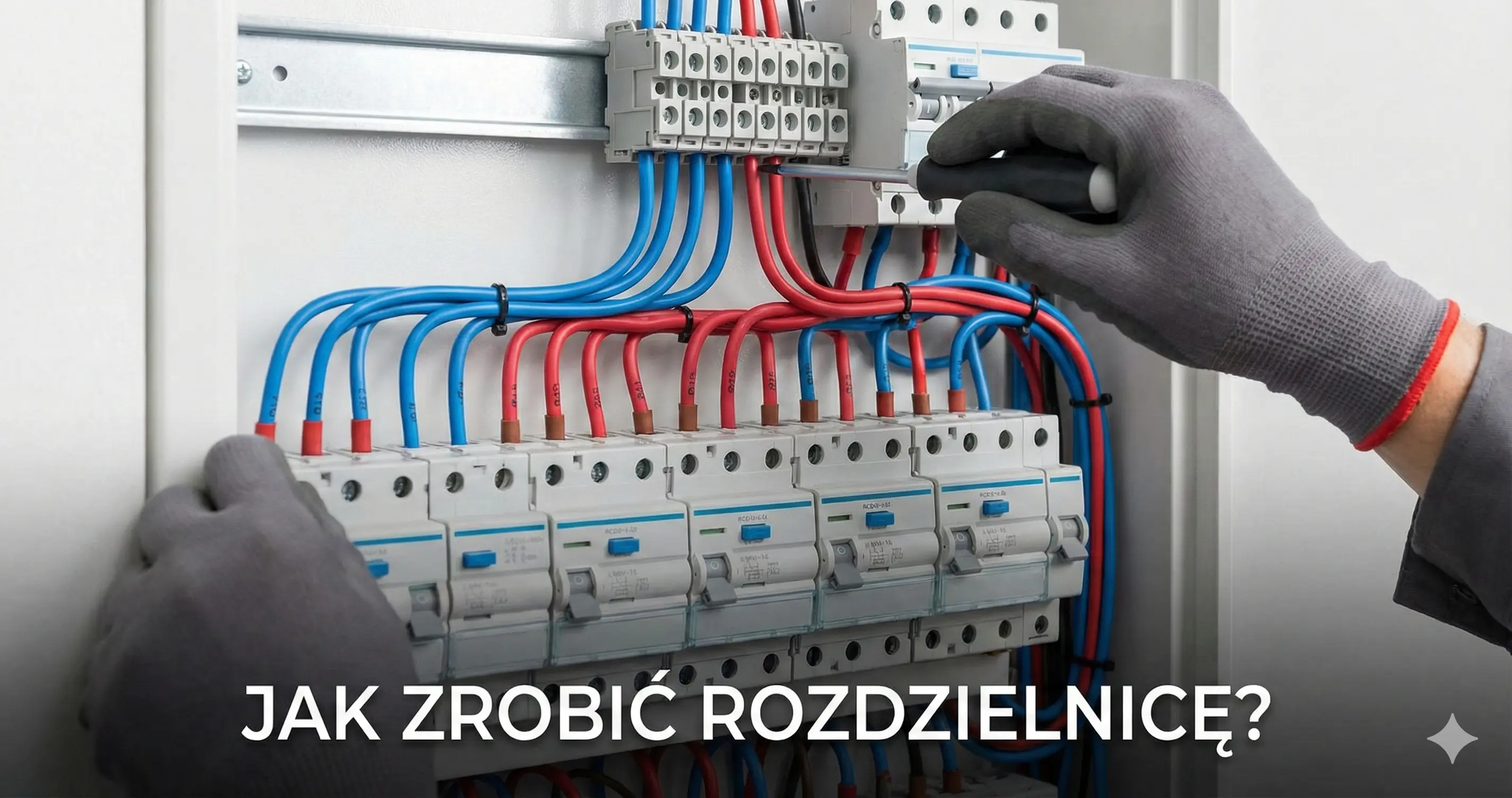
The distribution board is the heart of your electrical installation. A well-designed distribution board makes it easier to find faults, minimizes cross-trips, and ensures adequate space for future expansion. Want to learn how to design it properly?
Selecting Panel Size
The number of DIN rail modules depends on the number of circuits and protective devices. Typical home needs:
- Small apartment: 24-36 modules (2 rows).
- Single-family house: 48-72 modules (3-4 rows).
- Large house with automation: 72+ modules.
Important rule: Always choose a panel one size larger than current needs!
Distribution Board Layout
The recommended arrangement of devices:
- Main switch – at the top, easily accessible.
- Surge protection (SPD) – right after the main switch.
- RCDs – group circuits logically (e.g., floor 1, floor 2, high-power).
- MCBs (circuit breakers) – below corresponding RCDs.
- Reserve space – at least 20% for future expansion.
Groups Under One RCD?
A common mistake is connecting the entire house to a single RCD. A fault in one circuit cuts off everything.
Optimal grouping:
- Lighting circuits – under separate 30mA RCD.
- General sockets – divided by floors/zones.
- Dedicated circuits – own protection for washing machine, oven, etc.
In Electro Planner, you can design a distribution board interactively. Arrange modules on the DIN rail, the app will automatically calculate cable lengths and generate a clear diagram for the electrician.
Related Guides
Also see: Electrical Installation Diagram, B10 vs B16 Circuit Breaker? Simple Rule: 1.5mm²→B10, 2.5mm²→B16 and Free Distribution Board Design Software Online.
Want to design your electrical installation?
Try our Electro Planner app and create a professional project in minutes. Avoid mistakes and save time.
Start free project